【n8n教程】:Execute Command节点:让你的工作流执行系统命令
Execute Command 是 n8n 中一个强大但常被忽视的节点。如果你想在自动化工作流中直接执行系统命令(比如运行 bash 脚本、列出文件、处理数据),这个节点就是你需要的。本教程将为初学者详细讲解如何使用 Execute Command 节点,并通过实战案例展示其威力。
什么是 Execute Command 节点?
Execute Command 节点 允许你在运行 n8n 的主机上执行 shell 命令。不管你的系统是 Windows(cmd)、macOS 还是 Linux(bash/zsh),这个节点都能帮你运行任何系统级别的命令。
为什么要使用它?
- • 自动化系统任务:无需手动执行命令
- • 处理文件操作:列出、删除、移动文件
- • 集成命令行工具:调用已有的脚本或工具
- • 数据处理:结合 grep、awk 等命令进行数据筛选
- • 系统监控:检查服务状态、磁盘空间等
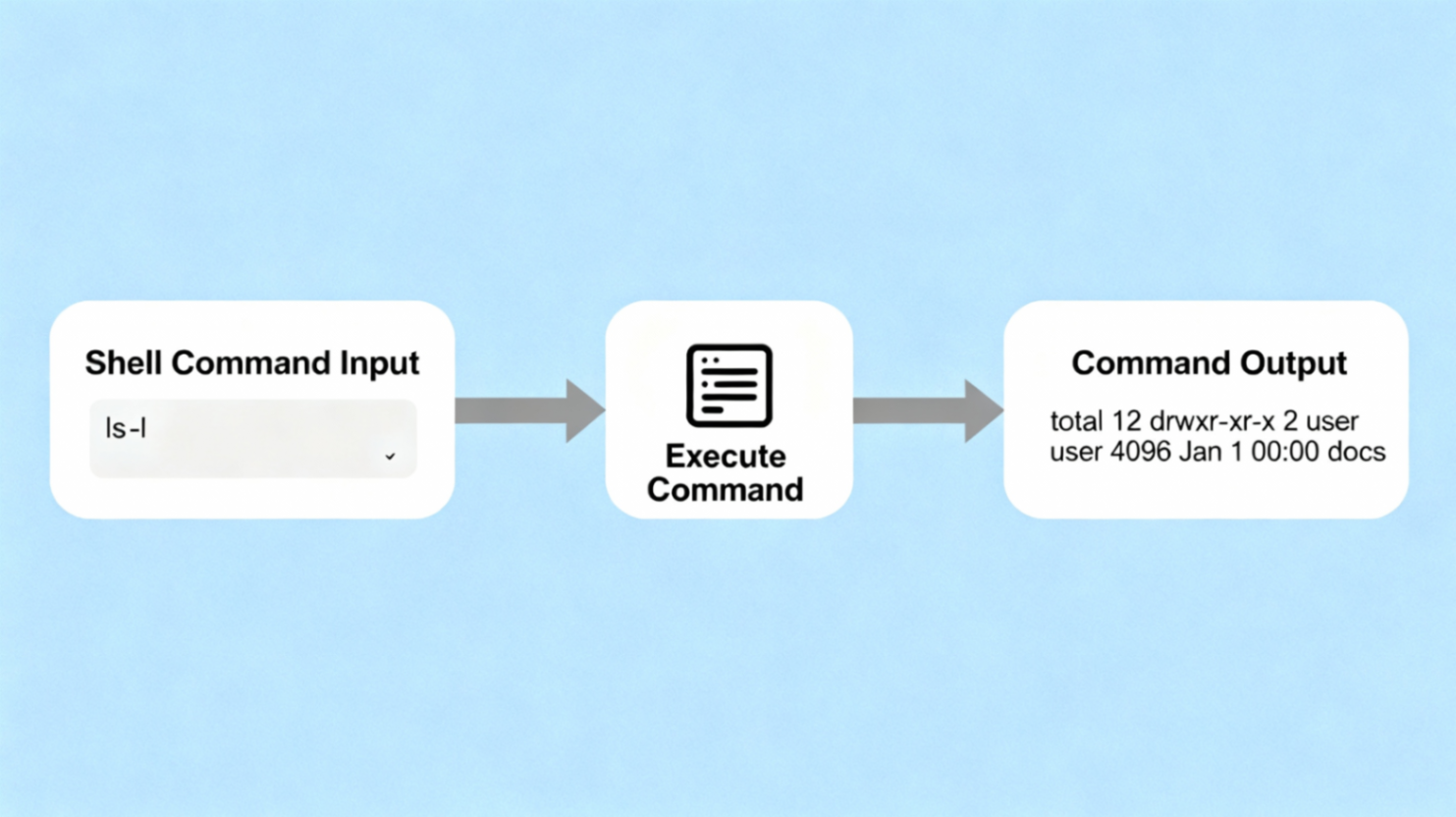
核心参数讲解
1. Execute Once(执行一次)
这个开关决定了节点的执行方式:
- • 打开(ON):无论输入有多少条数据,节点只执行一次
- • 关闭(OFF):每条输入数据执行一次命令
例子:
- • 如果你有 5 条数据,Execute Once 打开 → 命令执行 1 次
- • 如果你有 5 条数据,Execute Once 关闭 → 命令执行 5 次
2. Command(命令)
在这里填入你要执行的 shell 命令。支持:
- • 单个命令:
ls -la - • 多个命令:使用
&&连接,例如cd /tmp && ls - • 管道操作:
cat file.txt | grep "keyword"
注意:不同操作系统的命令不同!
- • Linux/macOS:
ls,cat,grep - • Windows:
dir,type,findstr
实战案例 1:列出目录文件
场景:你想自动获取某个目录下的所有文件列表。
工作流步骤:
- 1. 添加 Manual Trigger 节点(手动触发)
- 2. 添加 Execute Command 节点
- 3. 在 Command 中填入:
ls -la /home/user/documents
输出结果:
  exitCode: 0
stderr: ""
stdout: "total 48
drwxr-xr-x  5 user user  4096 Dec  2 09:00 .
drwxr-xr-x 18 user user  4096 Dec  1 15:30 ..
-rw-r--r--  1 user user   256 Nov 28 10:00 file1.txt
drwxr-xr-x  3 user user  4096 Nov 25 09:15 folder1"
实战案例 2:检查系统信息
场景:定期检查服务器磁盘空间,若不足发出告警。
工作流步骤:
- 1. Schedule Trigger:每小时执行一次
- 2. Execute Command:
df -h | grep /dev/sda1 - 3. Code 节点:解析输出,检查使用百分比
- 4. If 节点:若使用率 > 80%,发送告警
Command 示例:
df -h | awk '{print $5}' | tail -1 | tr -d '%'常见问题与解决方案
问题 1:Command not found 错误
错误信息:
Command failed: /bin/sh: command_name: not found原因:系统找不到这个命令。
解决方案:
- • ✅ 检查命令拼写是否正确
- • ✅ 确保命令在系统 PATH 中(Linux 下运行
which command_name查证) - • ✅ 如果用 Docker,该命令可能未安装在容器中
Docker 解决方案:
  # 创建 Dockerfile
FROM docker.n8n.io/n8nio/n8n
USER root
RUN apk --update add curl
USER node
然后重新构建镜像:
docker build -t n8n-curl .问题 2:stdout maxBuffer length exceeded 错误
错误信息:命令返回的数据量太大
原因:Execute Command 节点有缓冲区大小限制
解决方案:
- • ✅ 减少命令输出(使用
head,tail等过滤) - • ✅ 对大文件使用 Read/Write Files from Disk 节点
- • ✅ 分批处理数据
优化示例:
  # 不好:可能返回过多数据
cat huge_file.txt

# 好:只取最后 100 行
tail -100 huge_file.txt
问题 3:权限不足 (Permission denied)
原因:运行 n8n 的用户没有执行权限
解决方案:
  # 给脚本添加执行权限
chmod +x /path/to/script.sh

# 或使用 sudo(需小心安全配置)
sudo /path/to/script.sh
安全最佳实践
⚠️ Execute Command 节点有安全风险,请注意:
- 1. 限制访问:仅在信任的网络环境使用
- 2. 避免用户输入:不要直接将用户输入传入 Command 参数
- 3. 不要在 Cloud 使用:Execute Command 在 n8n Cloud 不可用
- 4. 环境变量:用环境变量存储敏感信息,不要硬编码
安全的命令示例:
  // ✅ 安全做法
const filePath = '/safe/path/file.txt';
const command = `cat ${filePath}`;

// ❌ 危险做法
const command = `cat ${userInput}`; // 可能被注入恶意命令
完整工作流实例:自动备份文件到 JSON
工作流说明
这个工作流每天自动:
- 1. 获取指定目录下的所有 .txt 文件列表
- 2. 统计文件数量和总大小
- 3. 生成 JSON 报告
- 4. 保存到文件
工作流 JSON 代码
直接导入此 JSON 到你的 n8n 中:
  {
  "nodes": [
    {
      "parameters": {
        "trigger": "every"
      },
      "id": "6a2f8b1c-9e4d-4f2a-b1c8-9d5e8f2a3b4c",
      "name": "Schedule Trigger",
      "type": "n8n-nodes-base.cron",
      "typeVersion": 1,
      "position": [250, 300]
    },
    {
      "parameters": {
        "command": "find /home/user/documents -name '*.txt' -type f"
      },
      "id": "7b3f9c2d-0f5e-5g3b-c2d9-0e6f9g3b4c5d",
      "name": "List Files",
      "type": "n8n-nodes-base.executeCommand",
      "typeVersion": 1,
      "position": [450, 300]
    },
    {
      "parameters": {
        "jsCode": "const stdout = $input.all()[^0].json.stdout;\nconst files = stdout.trim().split('\\n').filter(f => f.length > 0);\n\nreturn {\n  json: {\n    totalFiles: files.length,\n    files: files,\n    timestamp: new Date().toISOString(),\n    summary: `Found ${files.length} text files`\n  }\n};"
      },
      "id": "8c4g0d3e-1g6f-6h4c-d3e0-1f7g0h4c5d6e",
      "name": "Process Files Data",
      "type": "n8n-nodes-base.code",
      "typeVersion": 1,
      "position": [650, 300]
    },
    {
      "parameters": {
        "operation": "write",
        "filePathAndName": "/tmp/backup_report_{{$now.toFormat('yyyy-MM-dd')}}.json",
        "inputBinaryField": "data"
      },
      "id": "9d5h1e4f-2h7g-7i5d-e4f1-2g8h1i5d6e7f",
      "name": "Save Report to File",
      "type": "n8n-nodes-base.writeFile",
      "typeVersion": 1,
      "position": [850, 300]
    }
  ],
  "connections": {
    "Schedule Trigger": {
      "main": [
        [
          {
            "node": "List Files",
            "type": "main",
            "index": 0
          }
        ]
      ]
    },
    "List Files": {
      "main": [
        [
          {
            "node": "Process Files Data",
            "type": "main",
            "index": 0
          }
        ]
      ]
    },
    "Process Files Data": {
      "main": [
        [
          {
            "node": "Save Report to File",
            "type": "main",
            "index": 0
          }
        ]
      ]
    }
  }
}
导入步骤:
- 1. 复制上面的 JSON 代码
- 2. 在 n8n 中点击 Import
- 3. 粘贴 JSON 代码
- 4. 根据你的系统修改文件路径
- 5. 点击 Save 保存工作流
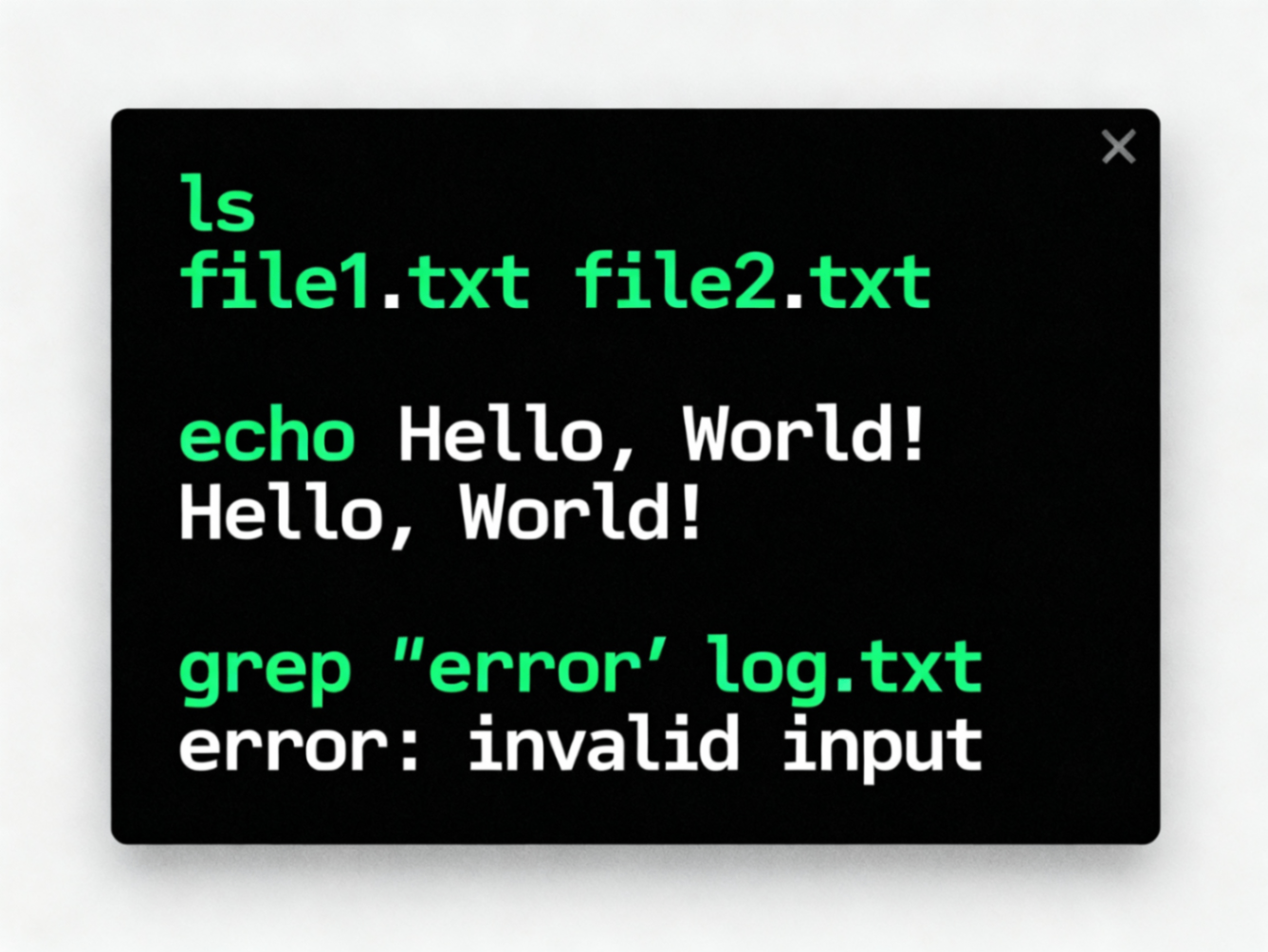
提升技能:高级用法
多命令执行
方法一:使用 && 连接
cd /tmp && echo "Creating report..." && ls -la > report.txt && cat report.txt方法二:另起一行写多个命令
  cd /home/user
ls -la
grep "pattern" file.txt
获取 JSON 输出
如果命令返回 JSON(如使用 curl),用 Code 节点解析:
  // 假设 Execute Command 返回了 JSON 格式的 stdout
const result = JSON.parse($input.all()[^0].json.stdout);
return { json: result };
错误处理
在 Execute Command 节点后添加 If 节点,检查 exitCode:
  if (exitCode === 0) {
  // 成功:继续处理
} else {
  // 失败:处理错误或发送告警
}
总结
Execute Command 节点是 n8n 的瑞士军刀,能让你:
- • ✅ 自动化系统命令
- • ✅ 集成已有的脚本和工具
- • ✅ 处理文件和数据
- • ✅ 监控系统状态
记住三点:
- 1. 注意安全风险,不要在生产环境随意使用
- 2. 了解你的命令是否在 PATH 中
- 3. 始终处理错误和异常输出
现在你已经掌握了 Execute Command 的基础,快去构建你的自动化工作流吧!
引用链接
[1] 官方文档: https://docs.n8n.io/integrations/builtin/core-nodes/n8n-nodes-base.executecommand/
[2] n8n系列教程: https://www.undsky.com/blog/?category=n8n%E6%95%99%E7%A8%8B#